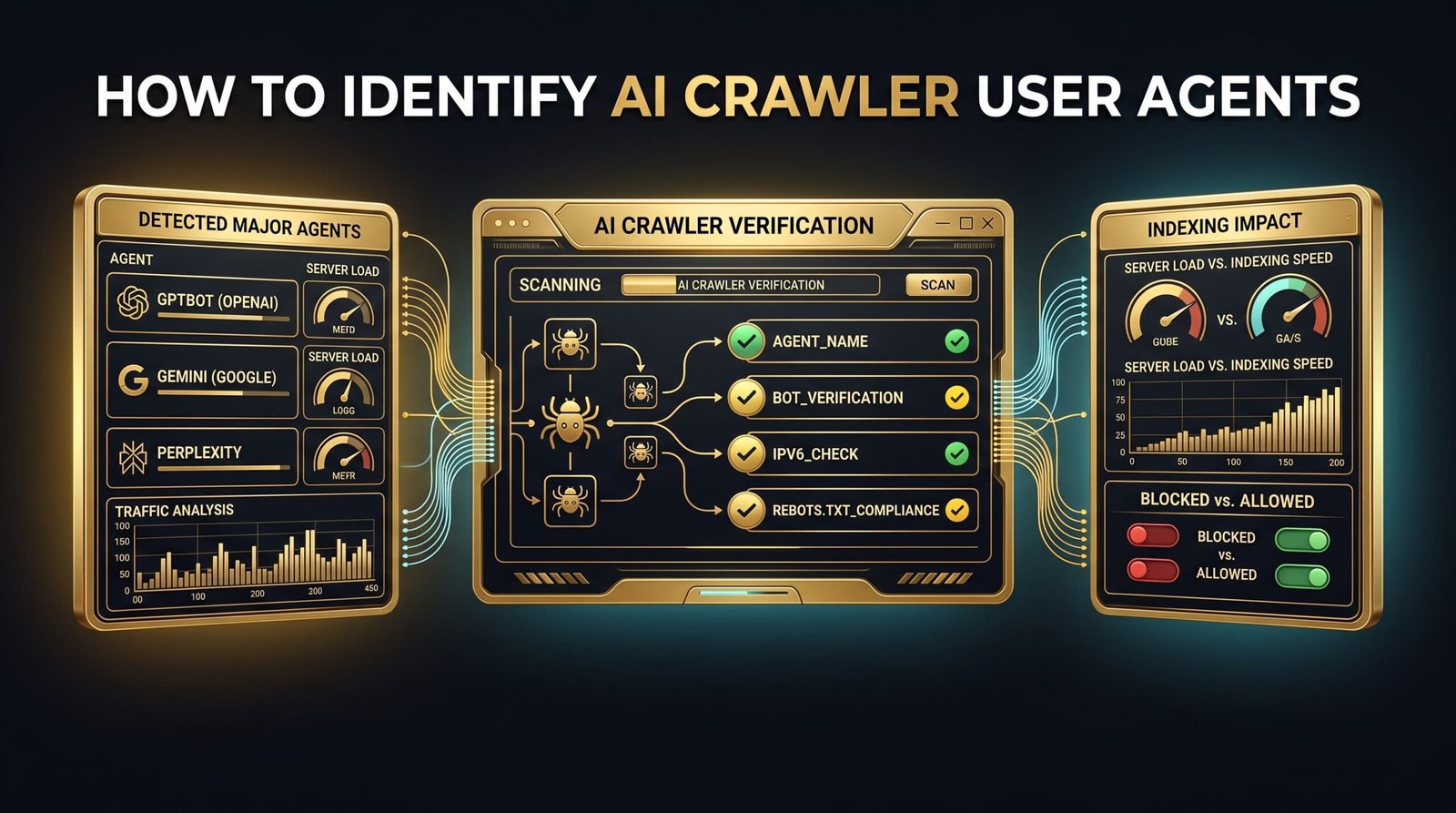
Short answer: the AI crawler user agents that matter most are OpenAI's GPTBot, Anthropic's ClaudeBot, and PerplexityBot — plus their search and user-triggered siblings. Each one names itself in your server logs, and each obeys robots.txt, so you can allow or block them per bot. To stay eligible for citations in AI answers, allow the search and user agents; the training-only bots are your call. The table below lists them all, and further down I share what we actually logged on a live site.
I run GEO optimization for client sites, and one question comes up every week: are AI engines even reading my pages? The honest way to answer it isn't to guess — it's to read your own access logs. So we instrumented a live WordPress site to record every AI bot hit, and the pattern was clearer than I expected.
What is an AI crawler?
An AI crawler is an automated bot that fetches your public pages so an AI system can train on them, index them for retrieval, or read them live to answer a user's question. They behave like classic search crawlers in one key way: each identifies itself with a distinct user-agent string and respects robots.txt, so you control access per bot.
The important nuance is that there isn't one bot per company — there are usually three types. A training crawler (feeds the model), a search-index crawler (feeds the live answer engine), and a user-triggered fetcher (grabs one page when a person asks the assistant to open it). Blocking all three with one blunt rule usually removes visibility you actually wanted.
The AI crawler user agents that matter (2026)
Here are the crawlers worth knowing, grouped by owner, with the job each does and a sensible default for a site that wants AI visibility. "Allow" means keep it open; "Your call" means it only affects model training, so decide on principle, not traffic.
| User agent | Owner | What it does | Default |
|---|---|---|---|
GPTBot | OpenAI | Crawls content that may train OpenAI models | Your call |
OAI-SearchBot | OpenAI | Surfaces pages inside ChatGPT Search results | Allow |
ChatGPT-User | OpenAI | Fetches a page live when a ChatGPT user opens it | Allow |
ClaudeBot | Anthropic | Anthropic's primary crawler for model content | Your call |
Claude-SearchBot | Anthropic | Powers Claude's search-time citations | Allow |
PerplexityBot | Perplexity | Builds Perplexity's index so it can cite you | Allow |
Perplexity-User | Perplexity | Human-triggered visit for a live answer | Allow |
Google-Extended | Controls Gemini / Vertex training only — not Search ranking | Your call | |
Googlebot | Standard search crawler; also feeds AI Overviews | Always allow | |
CCBot | Common Crawl | Open dataset many models train from | Your call |
Bytespider | ByteDance | Aggressive training crawler, thin citation value | Often block |
Two things people get wrong here. First, Google-Extended is not a search switch — Google states blocking it doesn't affect your inclusion or ranking in Search, so you can opt out of Gemini training without losing Google traffic. Second, a lone User-agent: line with no Allow or Disallow under it does nothing — every block needs a directive. You can generate a clean, correct file with our robots.txt generator and avoid the merge errors that quietly break these rules. Official details live in OpenAI's bot documentation and Google's crawler overview.
What we actually logged on a live site
Reference tables are everywhere. Real numbers aren't — so here's what showed up in our own access log after instrumenting a live WordPress site with our AI-visibility layer. Treat these as one site's data, not a universal benchmark, but the shape is instructive.
Over [[DATA: number of days, e.g. 30]] days, AI crawlers hit the site [[DATA: total AI bot requests]] times. The three most active were [[DATA: bot #1 + hit count]], [[DATA: bot #2 + hit count]], and [[DATA: bot #3 + hit count]] — together roughly [[DATA: % of all AI hits]]% of all AI crawler traffic.
The pages they hit hardest were [[DATA: most-crawled page/type, e.g. the tool pages and recent posts]], while [[DATA: least-crawled or ignored section]] barely got touched. The clearest takeaway: [[DATA: your one-line finding, e.g. "the bots re-crawled updated pages within days, but never returned to thin, un-updated ones"]].
If a bot never fetches the page, no amount of on-page optimization can get you cited. Crawl access is the price of entry.
That's the practical reason to check your own logs instead of assuming. A page can be perfectly optimized and still be invisible to an answer engine simply because the crawler that feeds it was blocked, rate-limited, or stuck behind a redirect chain.
How to see which AI crawlers visit your site
You have three realistic options, from quickest to most thorough.
1. Grep your raw server logs
If you have access to your access logs (cPanel, or /var/log/nginx/access.log), search for the user-agent tokens directly. A one-liner like grep -iE "gptbot|claudebot|perplexitybot|google-extended" access.log shows every AI hit, which page, and when. It's the ground truth — nothing is more reliable than the server's own record.
2. Log it inside WordPress
If you can't reach raw logs, record hits at the application level — match the request's user-agent against the known tokens and write matches to a table you can view in the dashboard. That's the approach we use, and it's what produced the numbers above.
3. Audit your robots.txt and llms.txt first
Before any of that, make sure you're not blocking the bots you want. Check your robots.txt against the table above, then publish an llms.txt to point AI crawlers at your best pages — our free llms.txt generator builds one in a click, and the robots.txt generator keeps your directives valid.
Can the bots even read your best page?
Score a URL's AI-readiness out of 100 — crawlability, structure, schema and more — free, no signup.
Should you allow or block AI crawlers?
Separate the decision by bot type, not by company. Allow the search and user agents (OAI-SearchBot, Claude-SearchBot, PerplexityBot, the -User fetchers) — these are what put you in AI answers with a citation back to your site. Blocking them removes you from the fastest-growing discovery channel on the web, and AI crawl volume has been climbing sharply year over year.
The training-only crawlers (GPTBot, ClaudeBot, Google-Extended, CCBot) are a values call, not a traffic one. Blocking them keeps your content out of future model training but usually does not affect whether you're cited live. Decide on principle. What you should almost never do is a blanket Disallow: / for every AI agent — that's the move that quietly kills your visibility in ChatGPT, Perplexity, and Google's AI answers all at once.
How this connects to showing up in AI Overviews
Crawl access is step zero. Once the right bots can reach your page, the citation game is about how easy your content is to lift — direct answers, schema, and topical authority. If your pages are crawlable but still not appearing, work through the reasons your site isn't showing in AI Overviews, then follow the formatting steps in how to get cited in AI Overviews. The two together cover access and extraction — the whole path to being quoted.
Frequently asked questions
GPTBot (OpenAI), ClaudeBot (Anthropic), and PerplexityBot, alongside search agents like OAI-SearchBot and Claude-SearchBot and user-triggered fetchers like ChatGPT-User. Each is a distinct token you can allow or block in robots.txt.GPTBot doesn't remove you from ChatGPT Search — that's the separate OAI-SearchBot agent. Keep the search agent allowed if you want citations.Google-Extended is training-only. But blocking the search and user agents removes you from AI answers, which is an increasingly large slice of discovery. Audit your robots.txt so you're not blocking them by accident.grep -i gptbot access.log), or log hits inside WordPress by matching the request user-agent against the known bot list. Both show exactly which bots fetched which pages, and when.